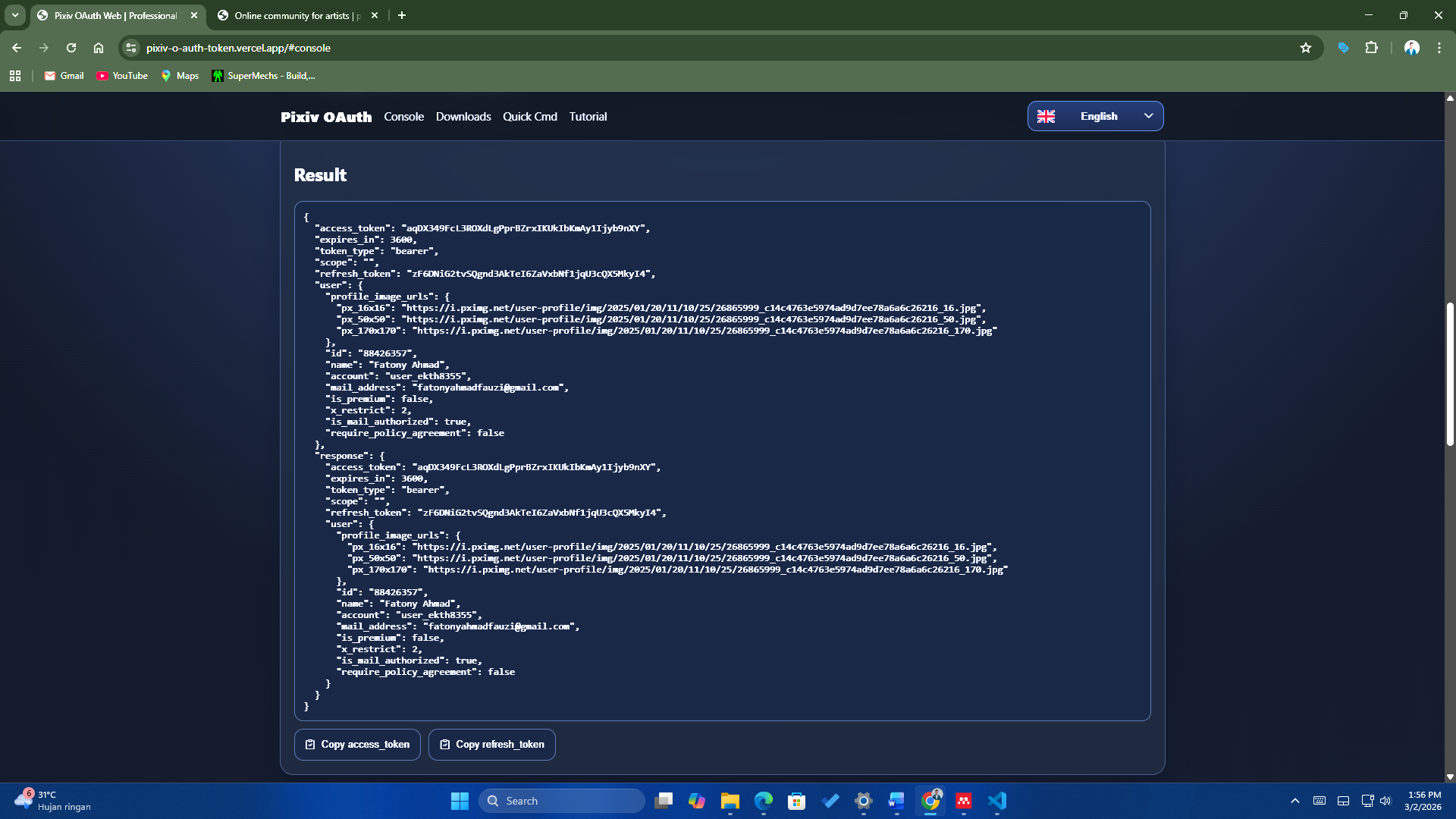
Open Login Page
Buka halaman login Pixiv dari console web tool.
Follow each step from login to token exchange so the process is easier on desktop and mobile.
Buka halaman login Pixiv dari console web tool.
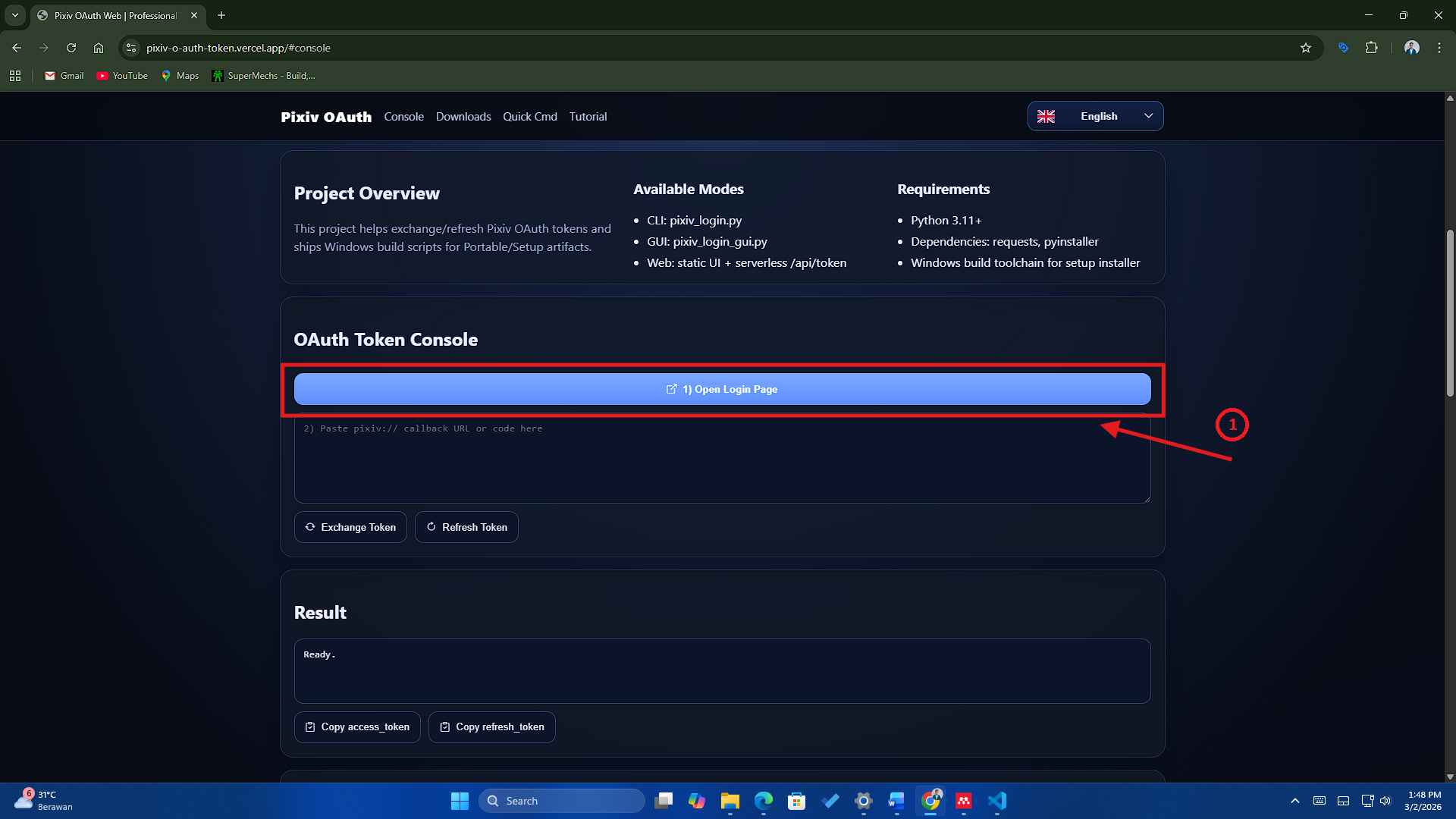
Lanjutkan proses login akun Pixiv hingga diarahkan ke callback.
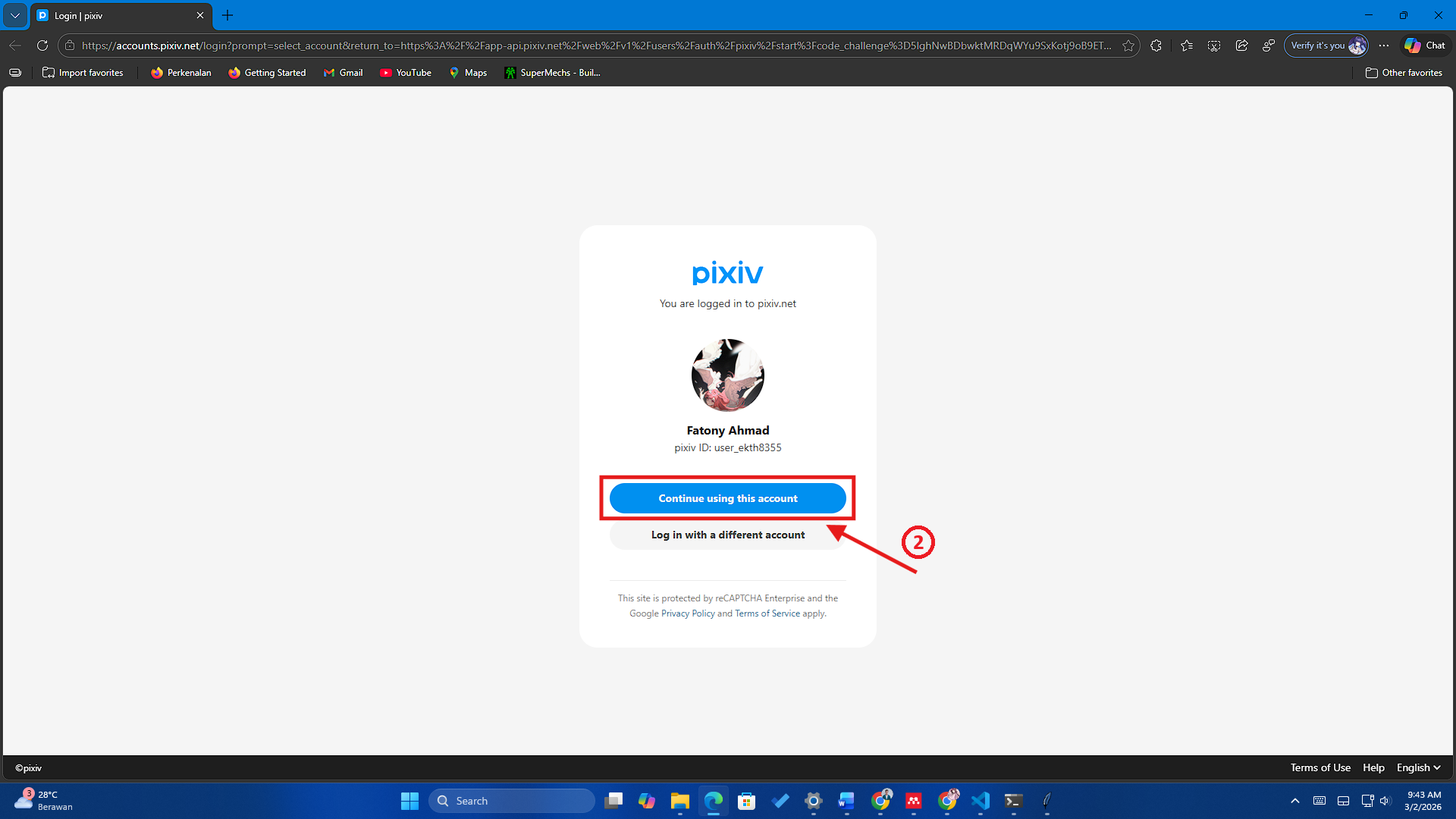
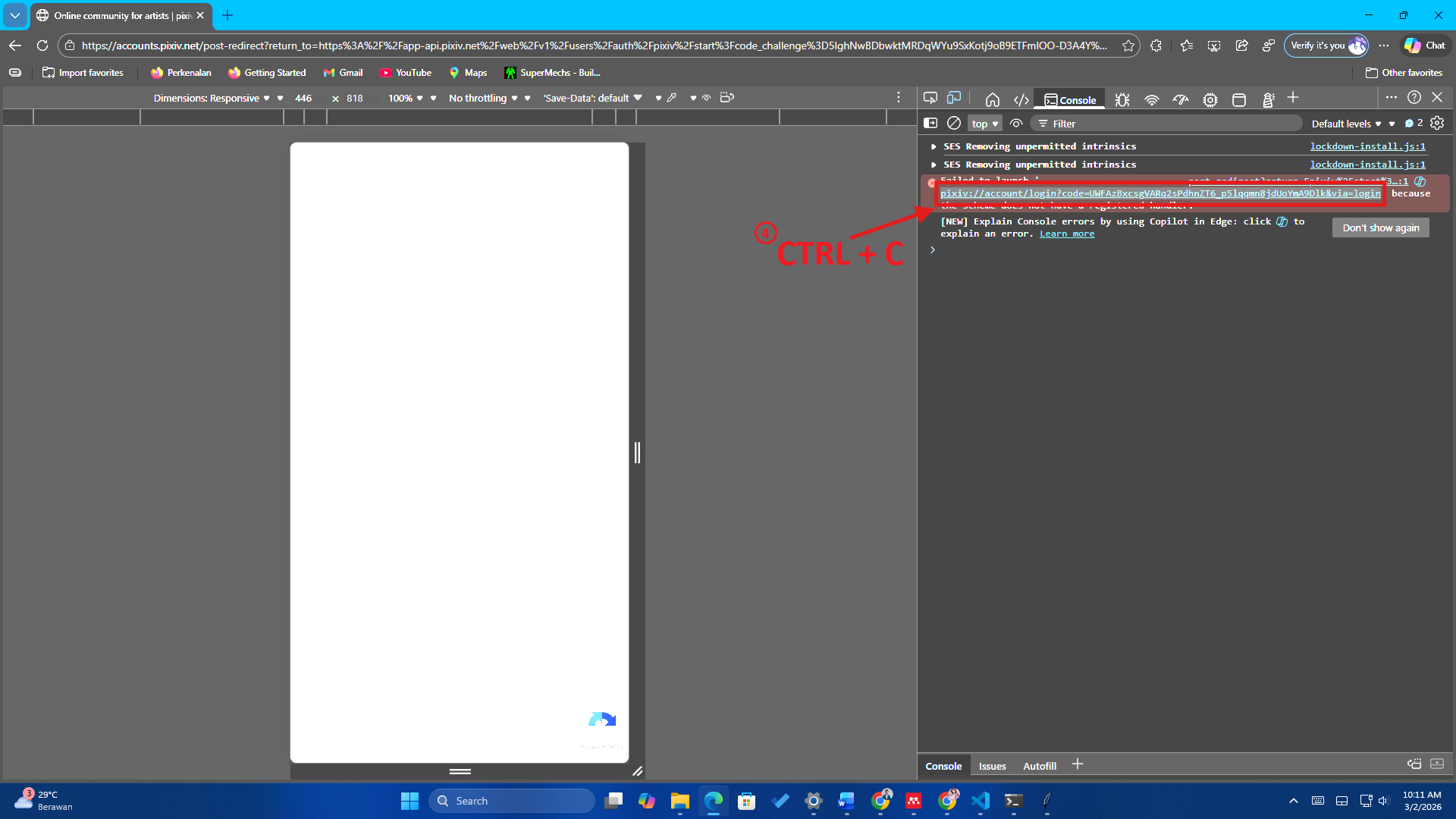
Buka devtools/console untuk mengambil URL callback pixiv.
Copy URL callback yang berisi code authorization dari Pixiv.
Tempel URL callback atau code ke input pada OAuth console.
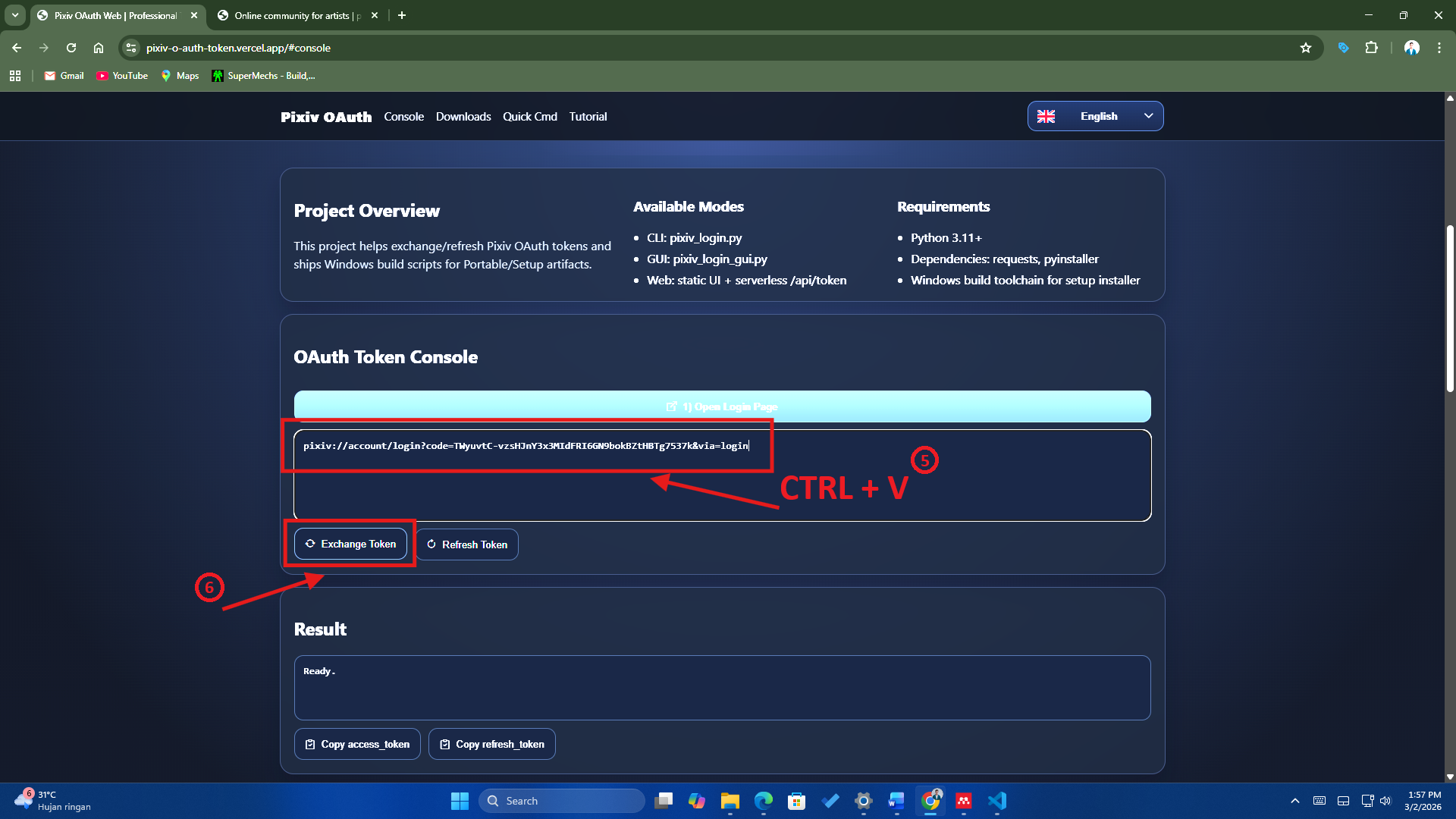
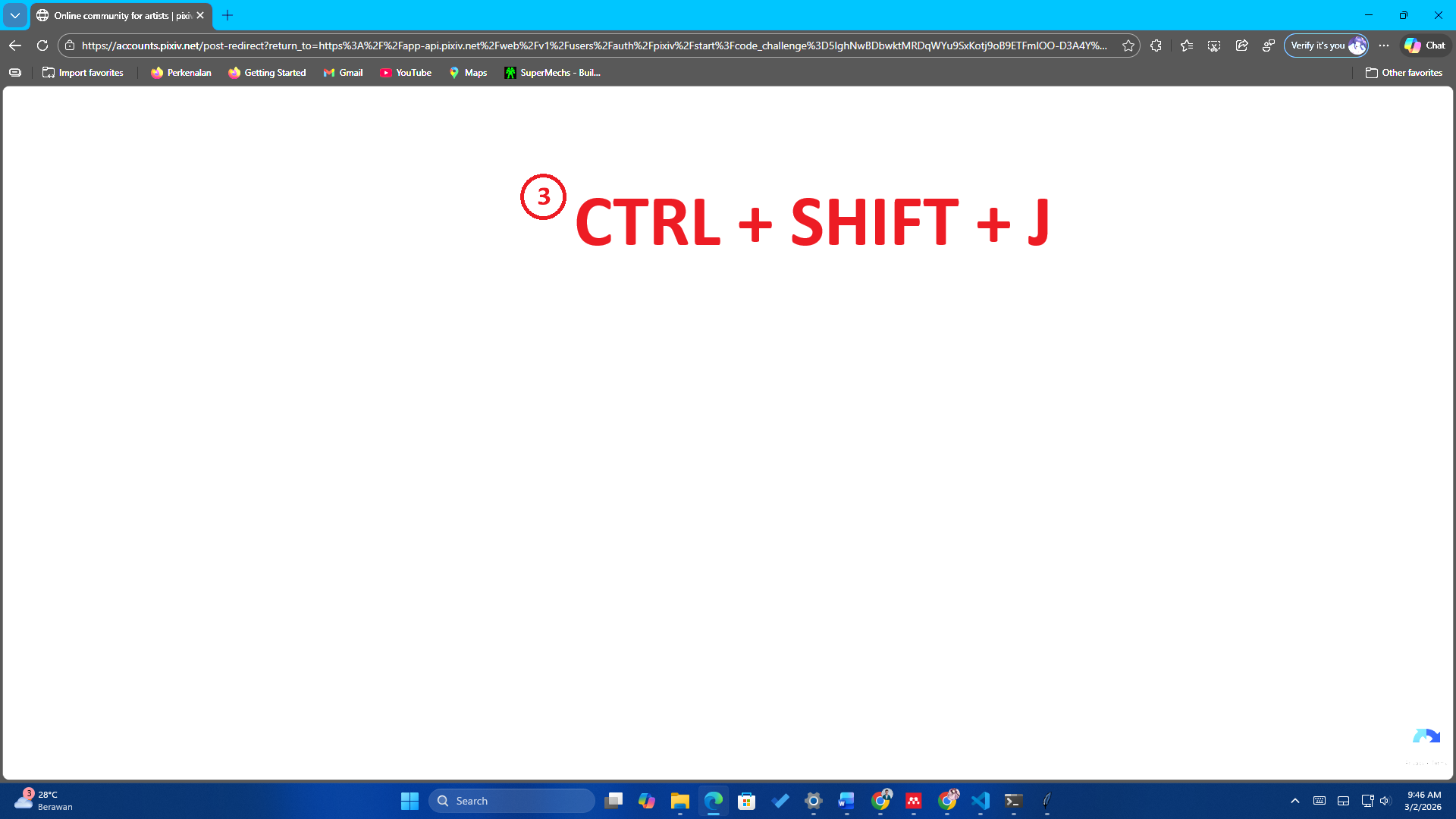
Klik Exchange Token lalu copy access_token / refresh_token.